Slatewise
A classroom console for Cisco IOS labs, run from Windows machines.
What it is
Slatewise is a console program for classroom networking labs. Students use it to configure Cisco IOS switches and routers over a console cable.
Every line is checked before it reaches the device. Commands that would save the configuration, erase it, change flash or change how the device boots are stopped, with the reason in plain words. Whatever students build is gone after a power cycle, so every device starts clean the next morning. Slatewise is a guardrail for a shared lab, not a lock: anyone with another console program can get around it.
It also gives students:
- 41 ready-made templates for the standard labs: VLANs, trunks, routing, OSPF, DHCP, NAT, ACLs, port security, spanning tree, IPv6 and more
- plain-language hints when a device reports an error
- a built-in practice router and switch for trying commands without a device
- Light, Dark and High contrast themes
Instructors set a password once. Instructor mode then lets them save, erase a configuration or clear a switch’s VLAN database when they need to.
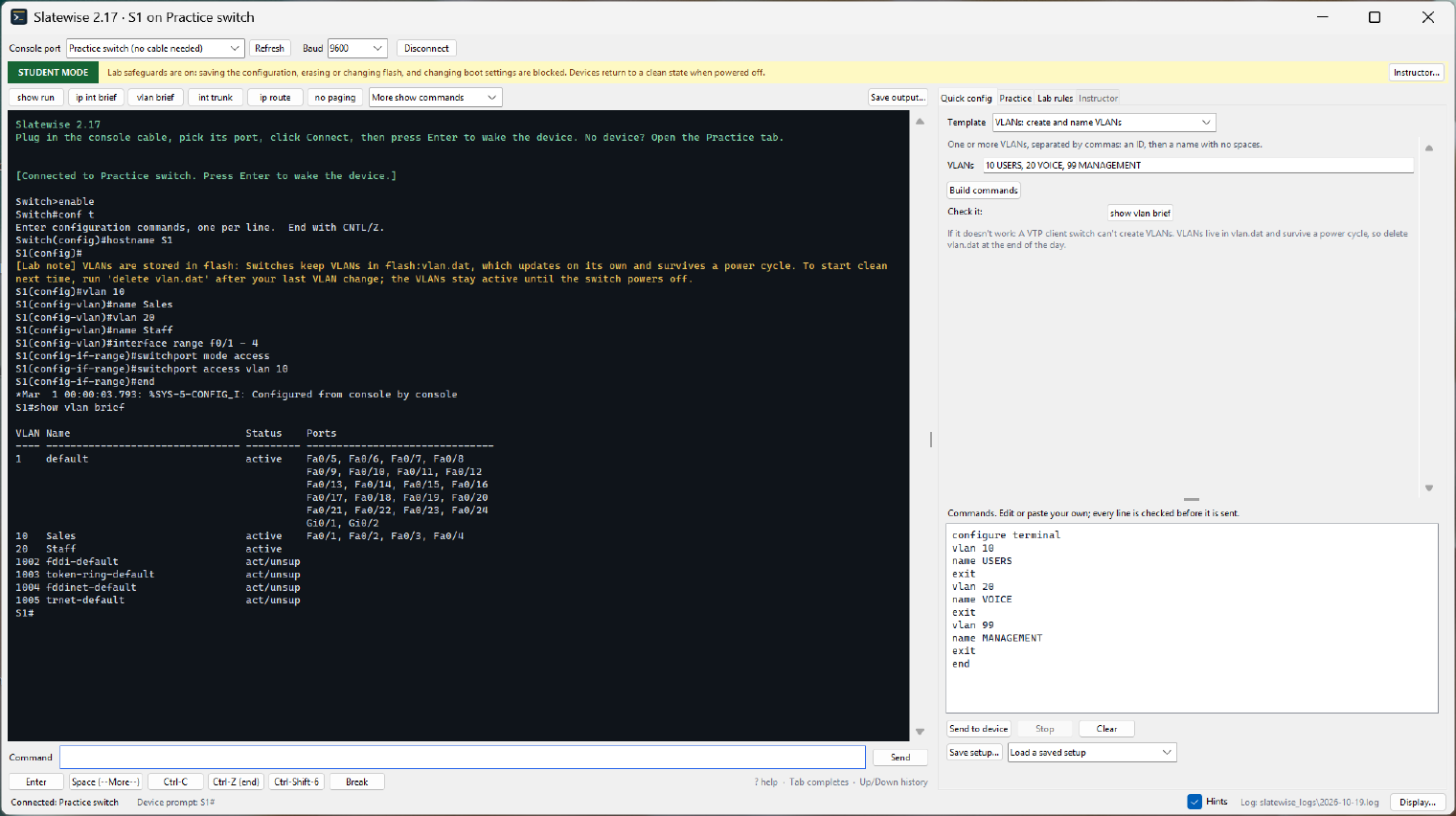
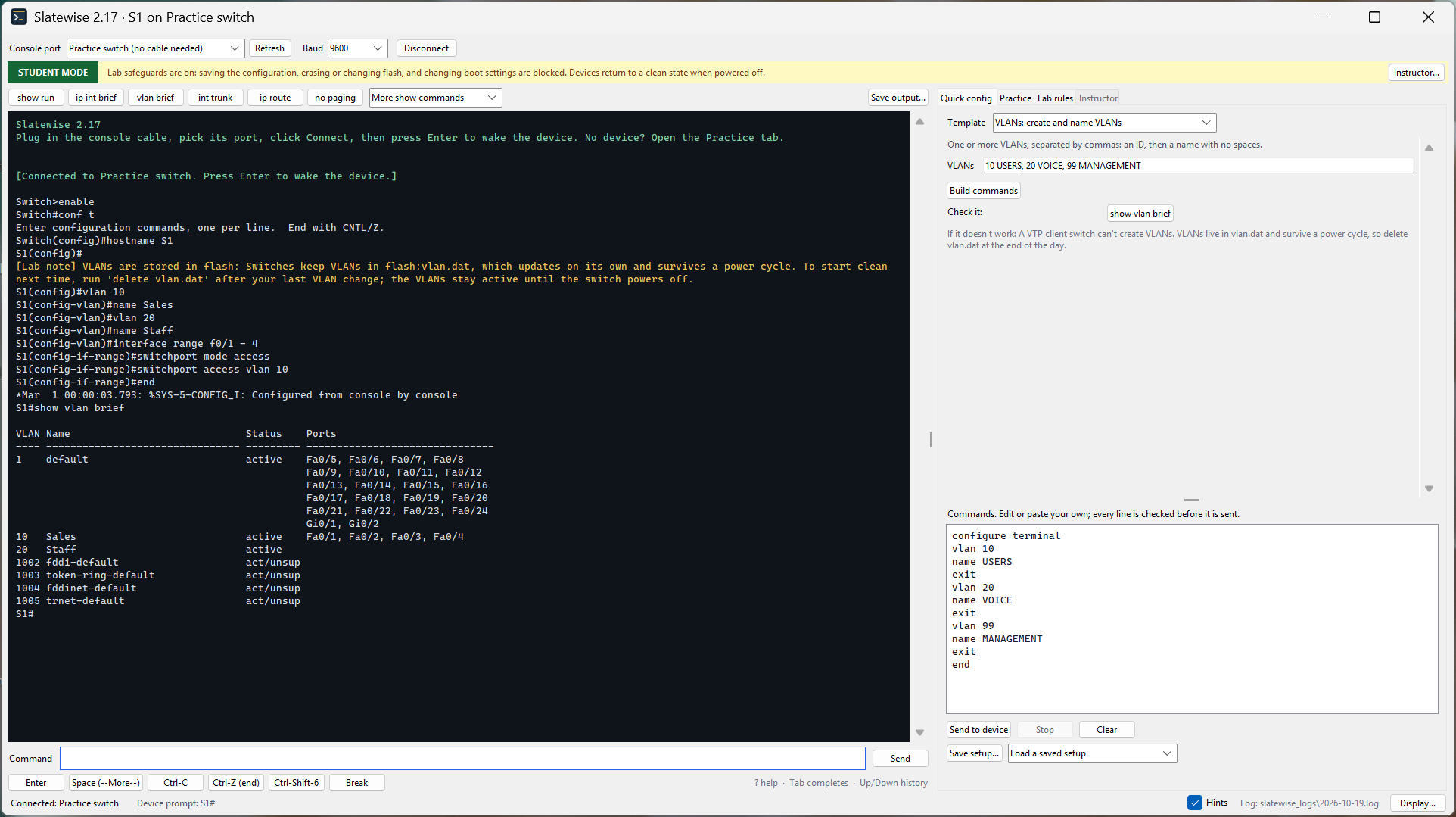 Building VLANs on the built-in practice switch, with a template beside the terminal.
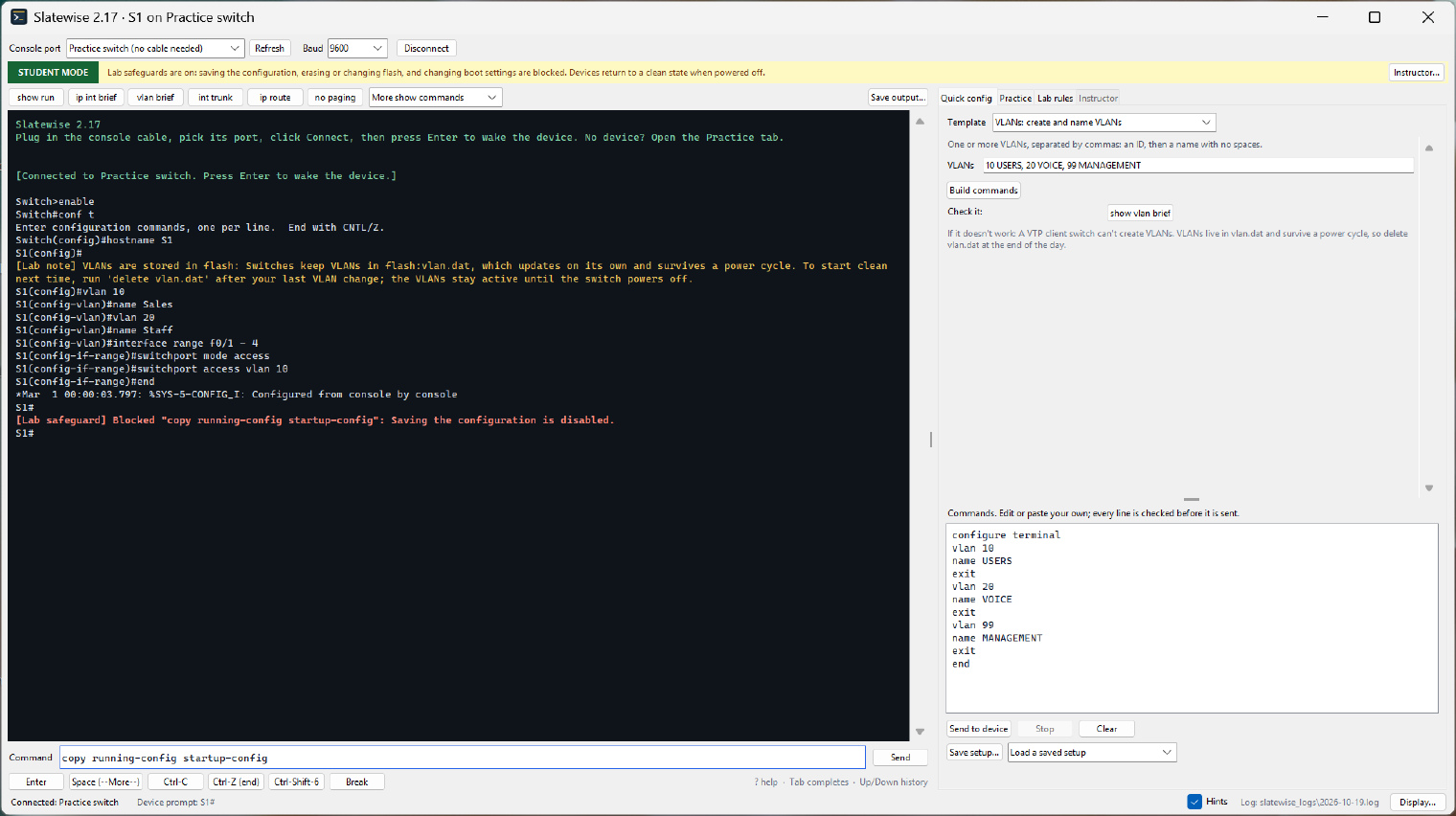
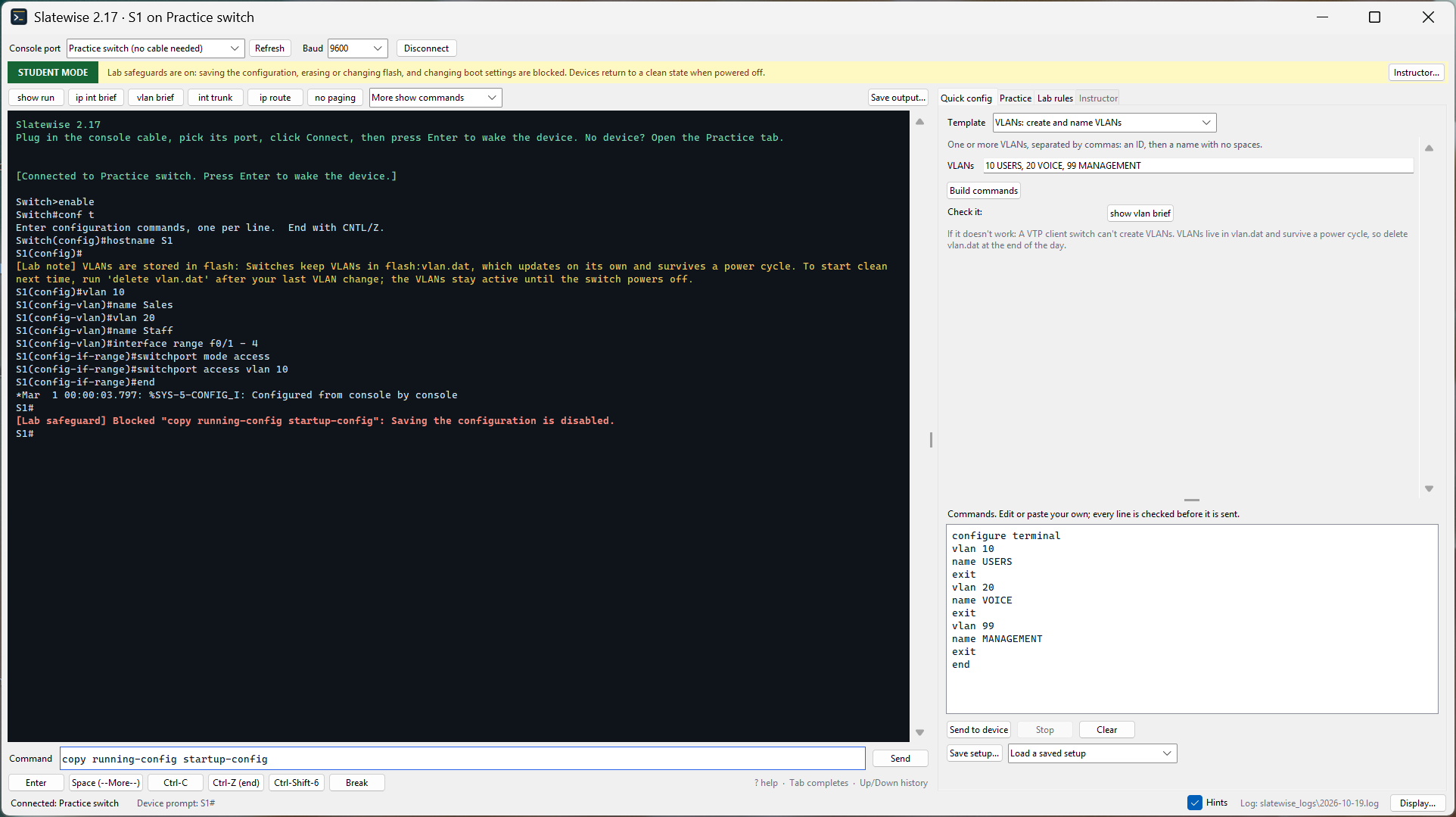 A command that would save the configuration is stopped before it reaches the device, with the reason in plain words.
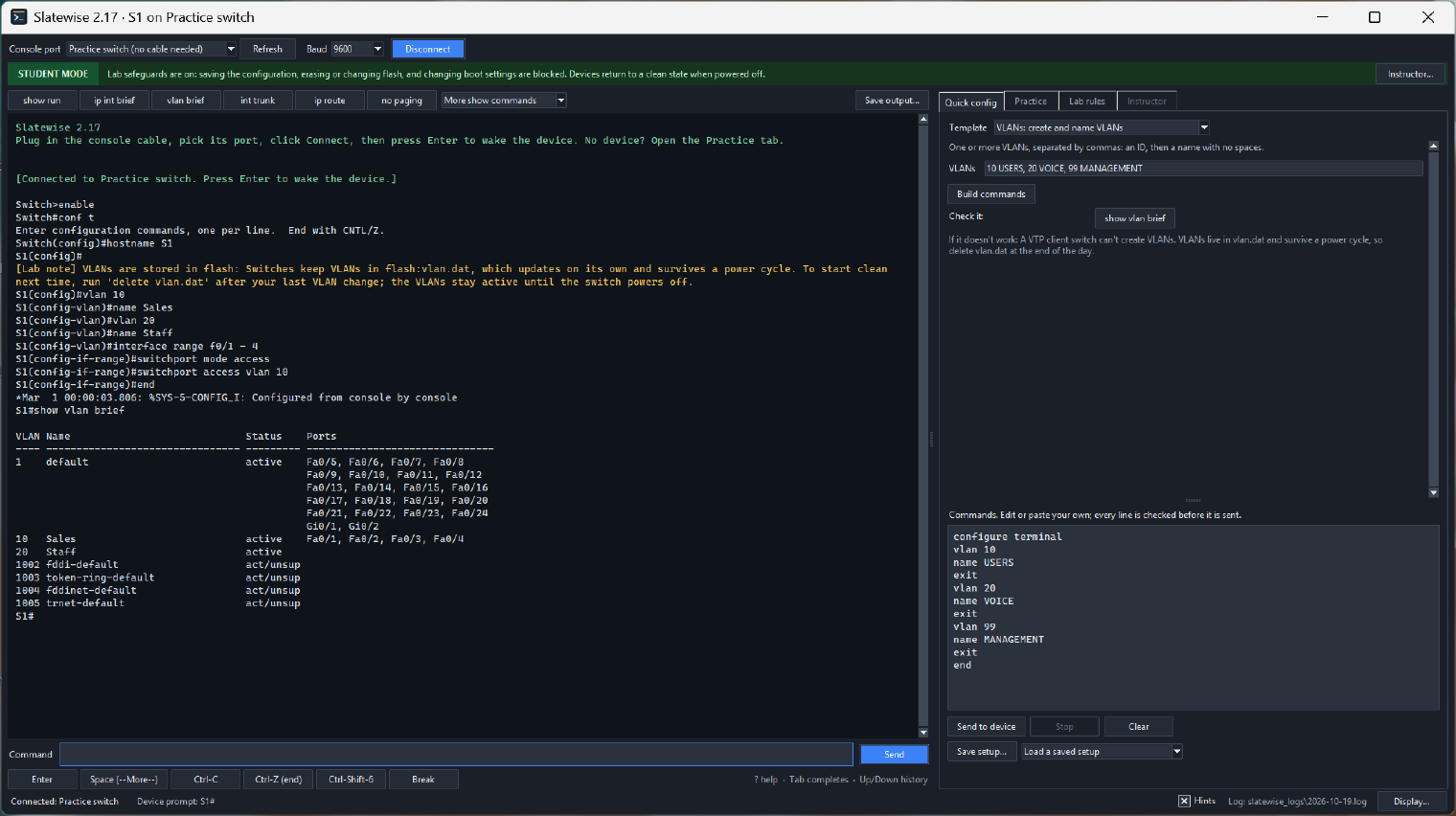
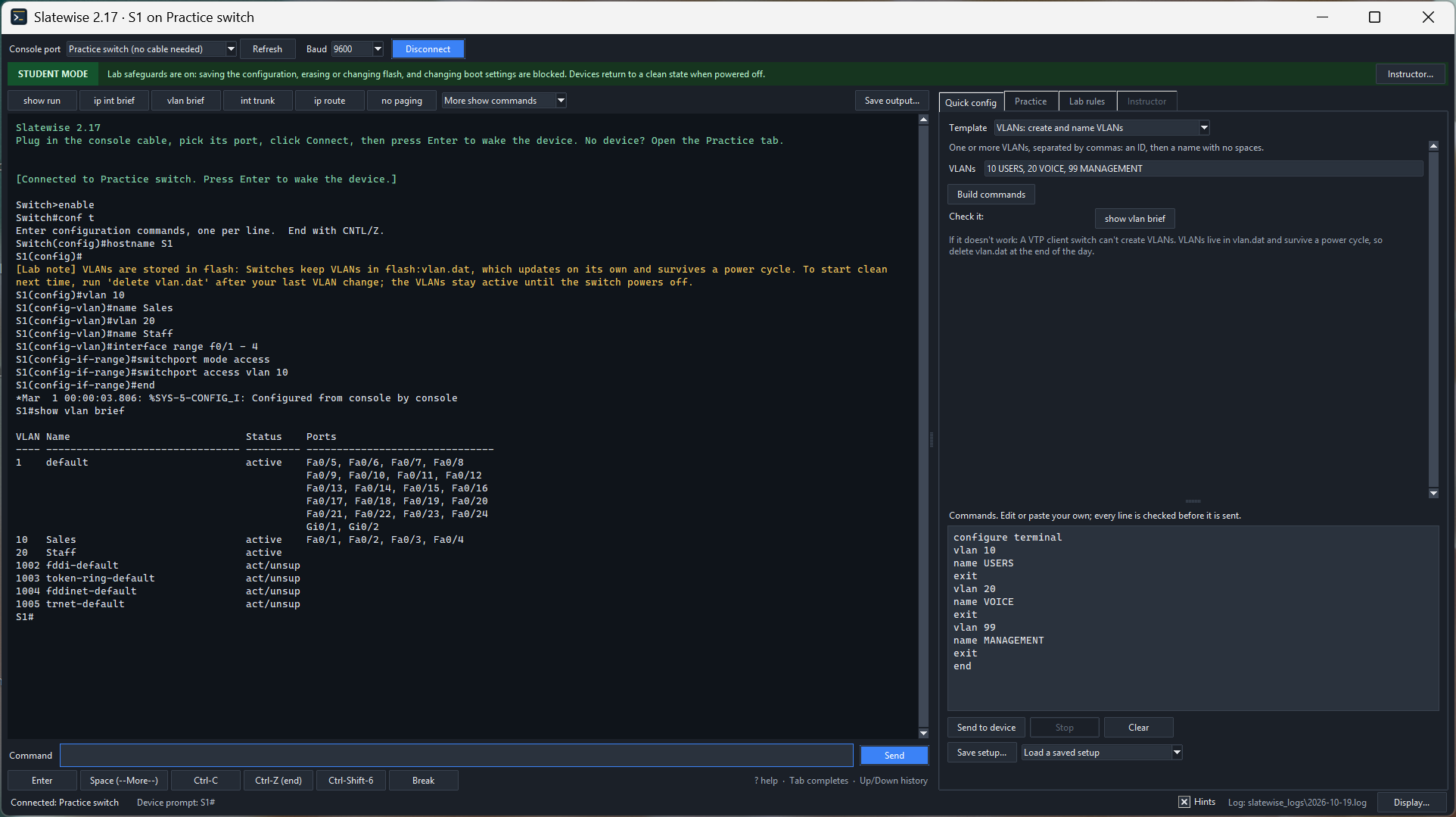 The same lab in the Dark theme.
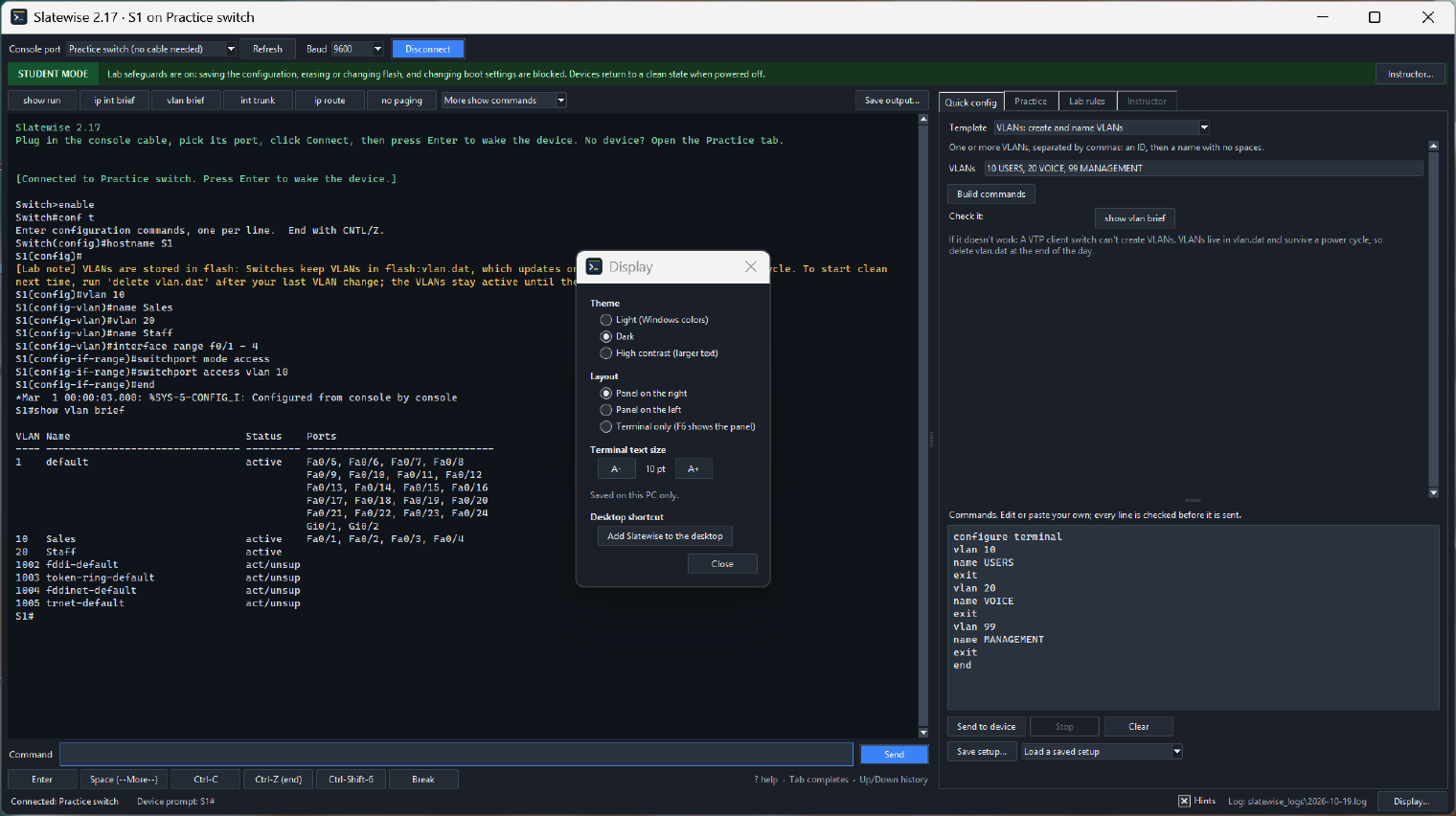
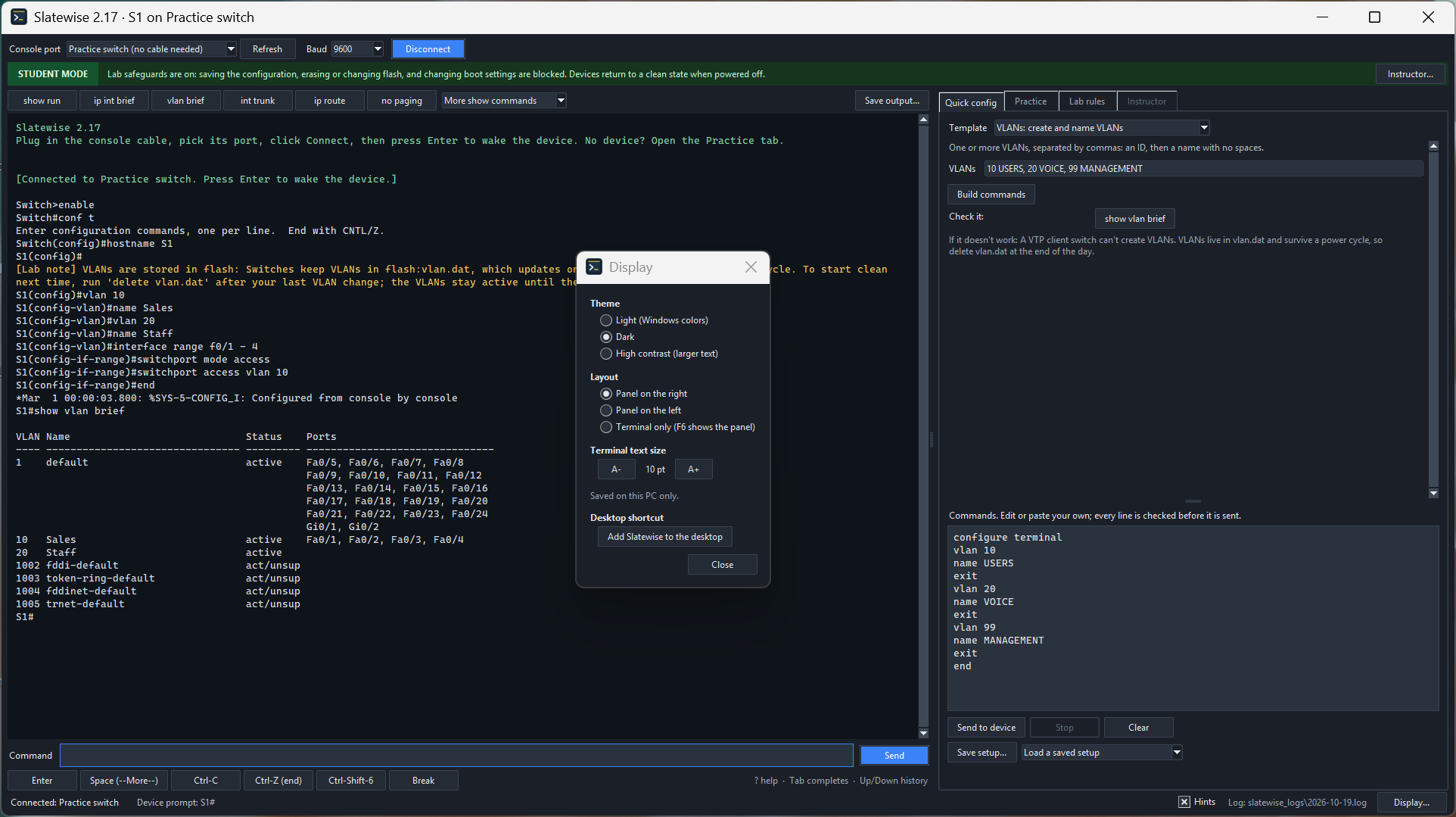 Light, Dark or High contrast; the panel on the right, on the left or hidden; and a desktop shortcut with the Slatewise icon.
What it connects to
Slatewise runs on your computer and talks only to the device on the console cable. It has no network features and sends nothing anywhere.
Cisco, Catalyst and IOS are trademarks of Cisco Systems, Inc. Slatewise is an independent project, not affiliated with or endorsed by Cisco.